Dango
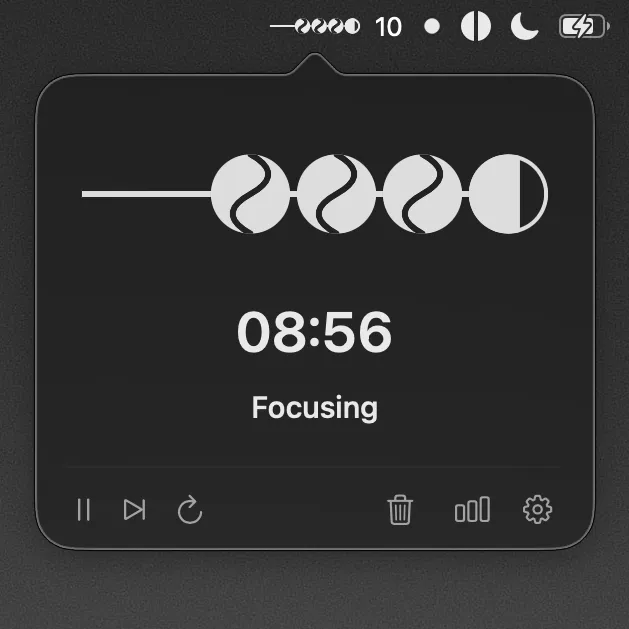
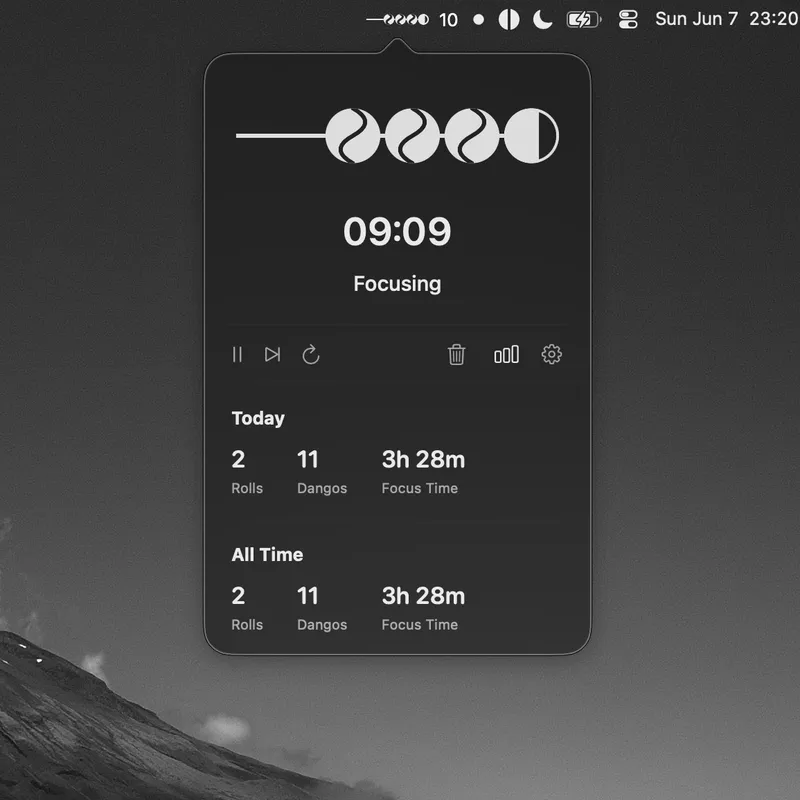
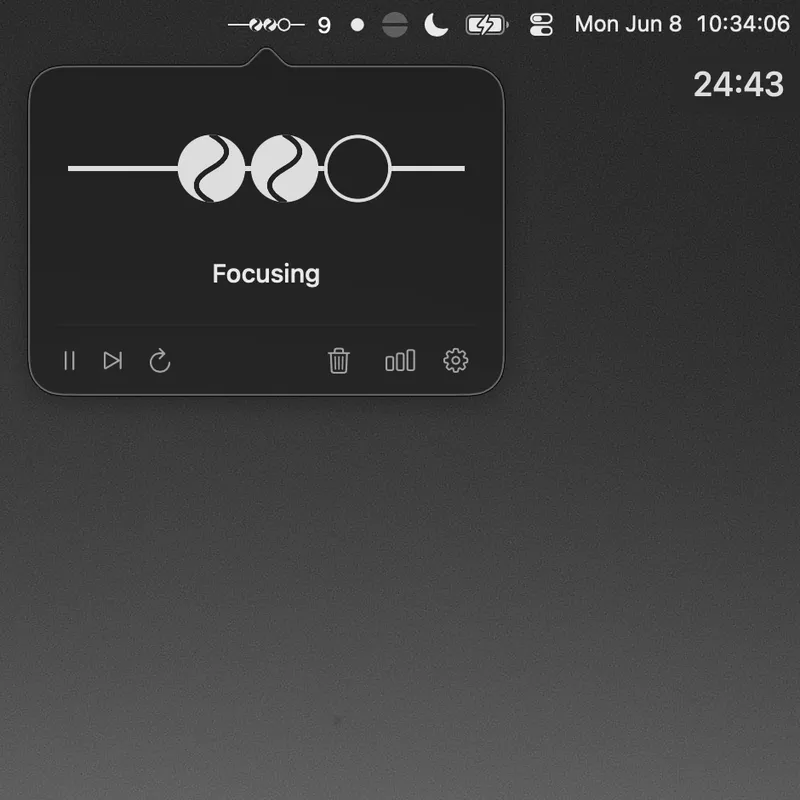
Menu bar pomodoro timer. Each focus session fills a dango. Each rest adds glazing. Four sessions finish a roll.
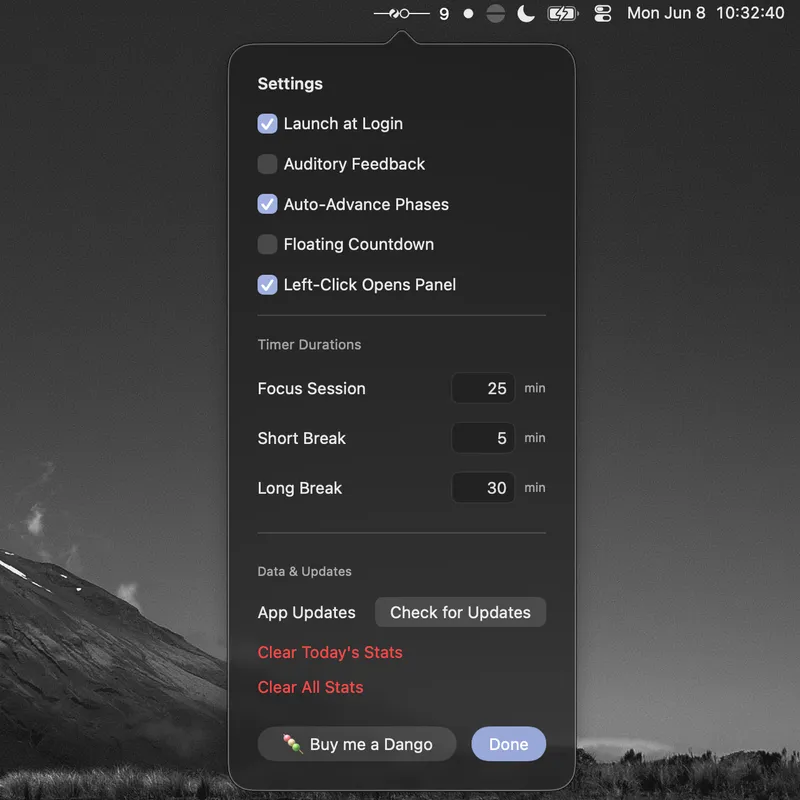
No bloat, no clutter. Native SwiftUI design. Information you can read at a glance, and it does all that while looking pretty.
Installation
Install from GitHub.Dango ships outside the App Store. The build is ad-hoc signed, not notarized. macOS Gatekeeper blocks the first launch. This is normal.
- Download the DMG from GitHub. Drag Dango to Applications.
- Double-click Dango, macOS warns the developer is unverified. Click OK.
- Open System Settings → Privacy & Security. Under Security, click Open Anyway, then Open.
- Or right-click Dango, choose Open, then Open, macOS remembers your choice after the first launch.
Support
This app is free and open source, and always will be. If it's made your focus a little sweeter, you can buy me a dango as a thank-you. I'll put the funds toward shipping Dango to the App Store.